
Home Wi-Fi
Strong Wi-Fi in every room.
Your plan is only as good as your Wi-Fi. Choose a modern Wi-Fi 6 modem, add mesh coverage, or bring your own compatible equipment.
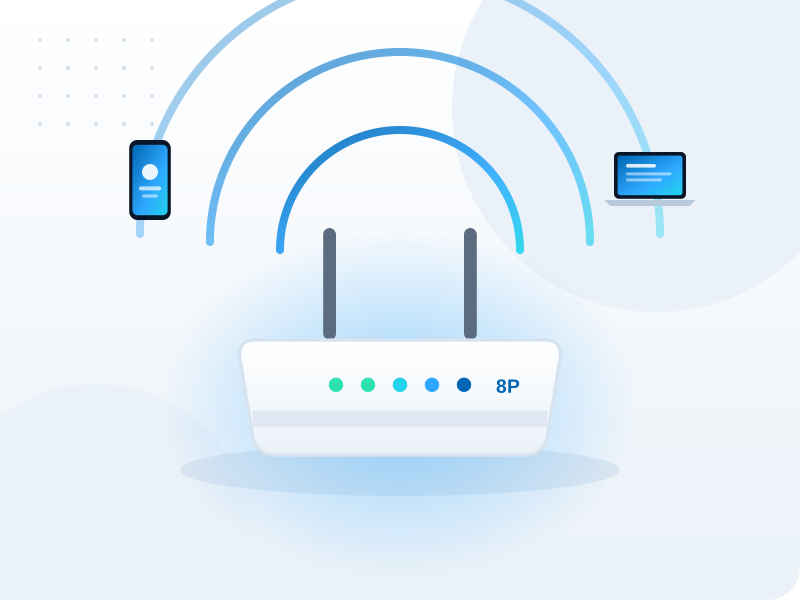
Choose your Wi-Fi setup
Eightport Wi-Fi 6 modem
Mesh Wi-Fi pack
Bring your own
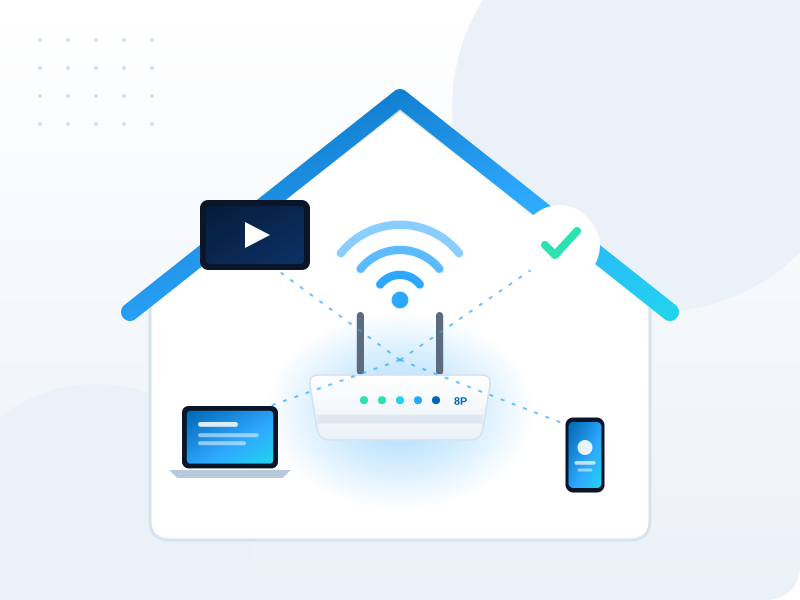
Get better Wi-Fi in five minutes
Small changes make a big difference. Before buying new gear, try these quick wins.
- Place the modem centrally and up high
- Keep it away from microwaves and mirrors
- Use 5 GHz for nearby devices
- Restart the modem every few weeks

When mesh makes sense
If your home has multiple levels, thick internal walls or a modem in an awkward spot, a mesh system is usually the best fix for dead zones.
- Multi-level and large homes
- Home offices far from the modem
- Outdoor areas and granny flats
FAQ
Frequently asked questions
Can I use my own modem?
Yes. Most modern modems that support your connection type work with Eightport. Choose “bring your own” when you apply and we will send setup settings. If you are unsure, our team can confirm compatibility.
How can I improve Wi-Fi in my home?
Place the modem centrally and in the open, away from microwaves and thick walls. For larger or multi-level homes, a mesh Wi-Fi system spreads strong signal into every room. Our Home Wi-Fi page explains your options.
What is mesh Wi-Fi?
Mesh Wi-Fi uses two or more units working together to create one seamless network across your home, so you get strong signal in rooms a single modem cannot reach.
Add Wi-Fi when you join
Choose your modem or mesh pack during sign-up.