
Troubleshooting
Let’s get you back online.
Most issues can be fixed in a few minutes. Start with the problem you’re seeing.
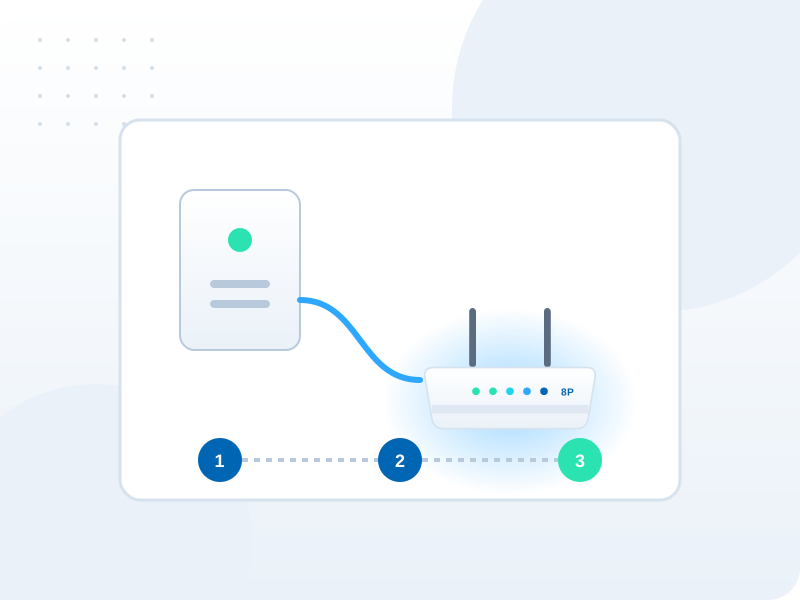
First, three quick checks
Check service status
Look for any known incidents or maintenance in your area.Restart your modem
Switch it off for 30 seconds, then on, and wait 10 minutes.Check the cables
Make sure every cable is firmly connected, especially to the connection point.
No internet connection
Work through our outage checklist.
ExploreSlow speeds
Find out whether it’s Wi-Fi or the connection.
ExploreModem lights
Understand what each light means.
ExploreWi-Fi coverage
Improve signal around your home.
ExploreSetting up a modem
Get a new modem connected.
ExploreWi-Fi password
Change your network name and password.
ExploreStill not working?
Submit a support request with the lights showing on your modem and we’ll take it from there.